Choose Your Simulation Screen

HACKERFEEL // Interactive Hacker Typer & Terminal Suite

Choose a theme, start typing, and experience a realistic hacker environment — right in your browser.

BROWSE THEMES

REALISTIC
TERMINAL THEMES

Authentic interfaces inspired by real systems.

KEYBOARD-INTERACTIVE
SIMULATION

Type, run commands, and explore freely.

CINEMATIC
SCREEN EFFECTS

Glitch, scanlines, ambient fx and more.
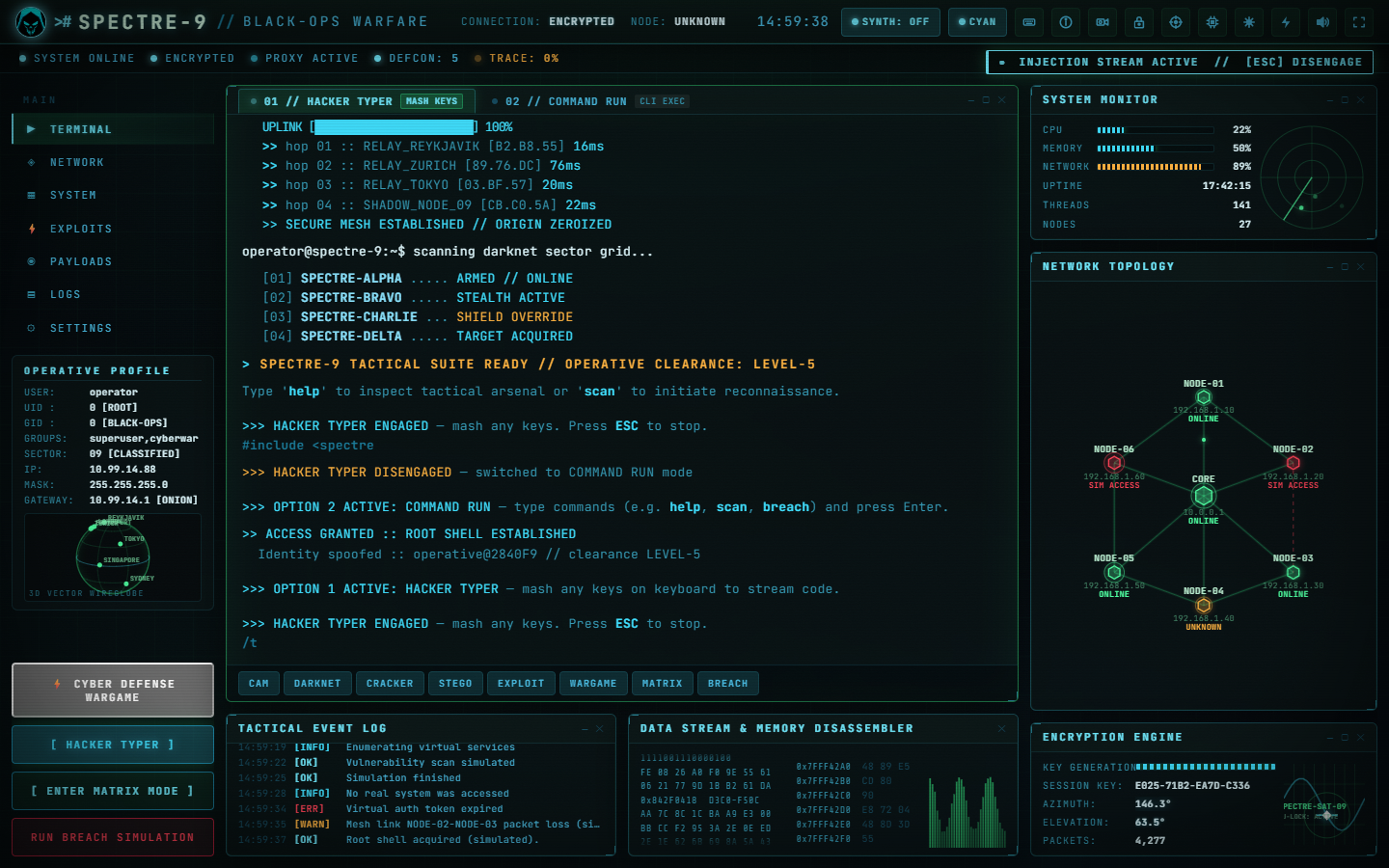
Choose Your Simulation Screen

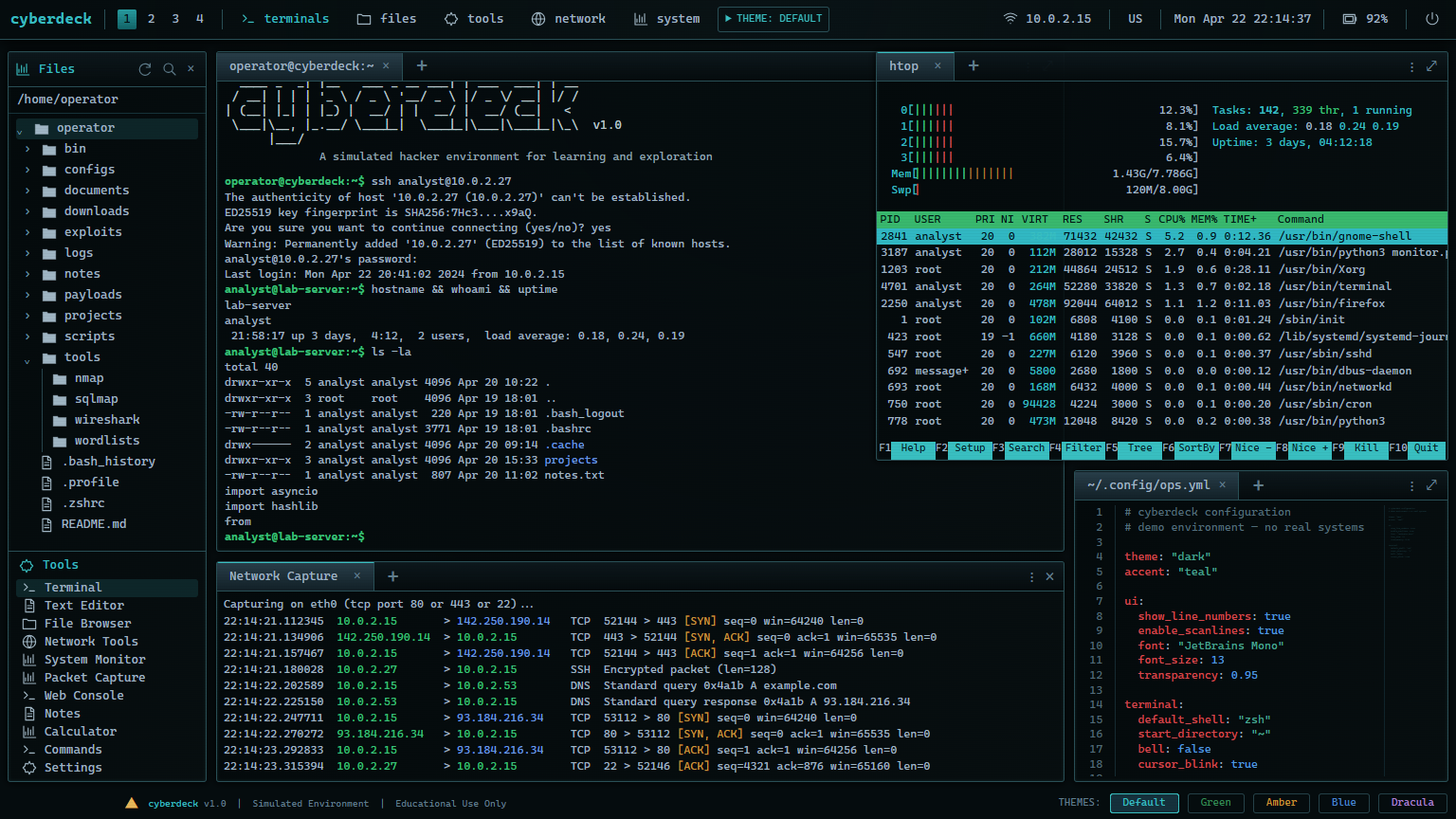
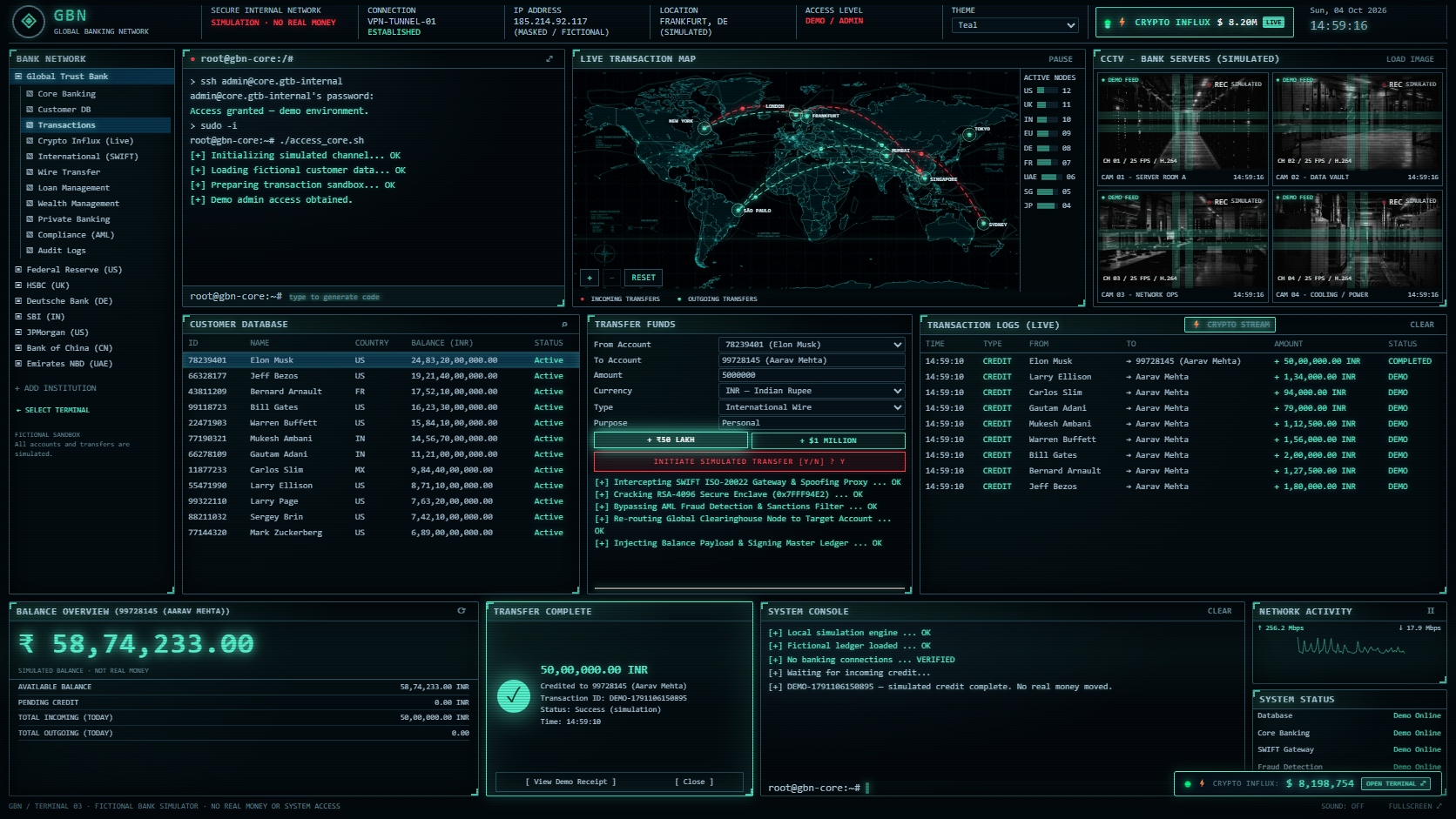
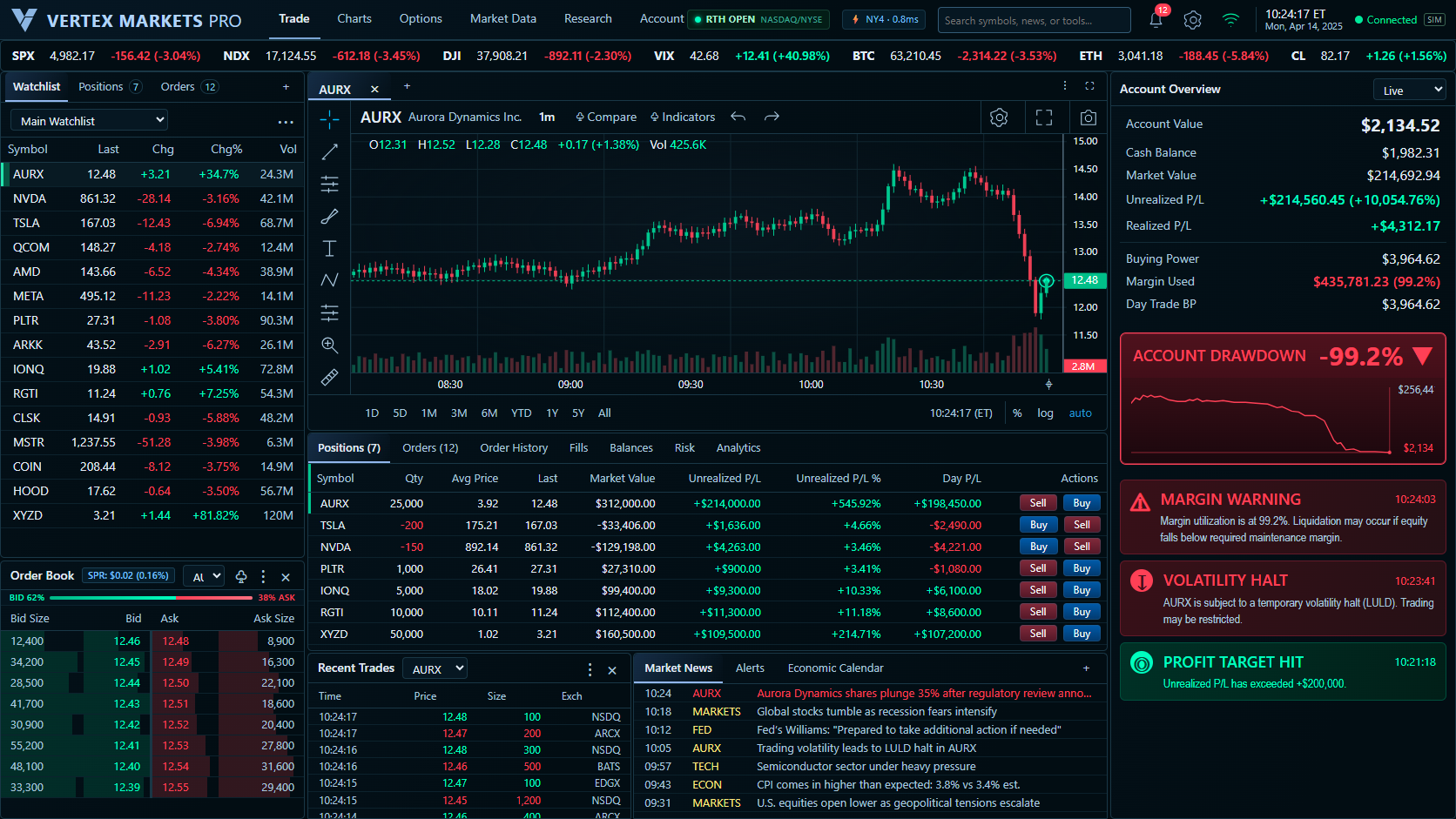
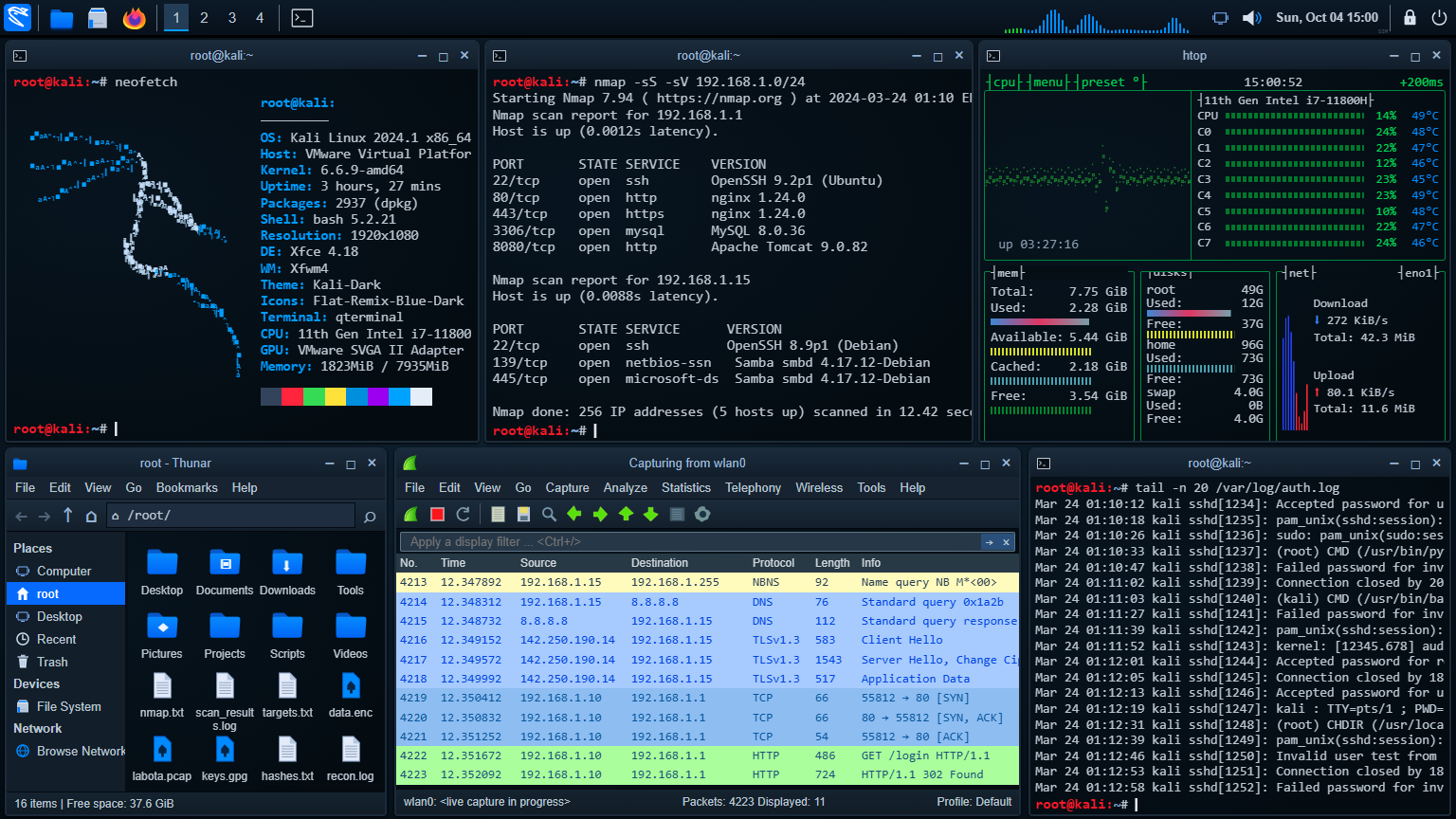
Compare the available simulation screens and choose the interface that fits your demo: keyboard-driven code, an editable desktop or an animated fictional financial dashboard.

How to use this collection

Use the launch cards to open a screen. Choose SPECTRE-9 for hacker typing, Cyberdeck for coding files, Kali for a six-window desktop, or a financial screen for fictional market and balance scenes.

Controls and customization

Each card launches a separate experience. Themes and saved settings belong to the selected screen, not to a shared real operating system.

Related simulation screens

Frequently asked questions

Which screen should I choose?

Choose SPECTRE-9 for a cinematic hacker screen and generated code typing. Cyberdeck offers an editable workstation, while Kali recreates a multi-window desktop. Trading and banking screens are fictional financial interfaces. All are visual simulations rather than real shells, operating systems or financial services.

Simulation only. No unauthorized access, real financial transactions or fraudulent evidence. Use visual pranks only with consent.